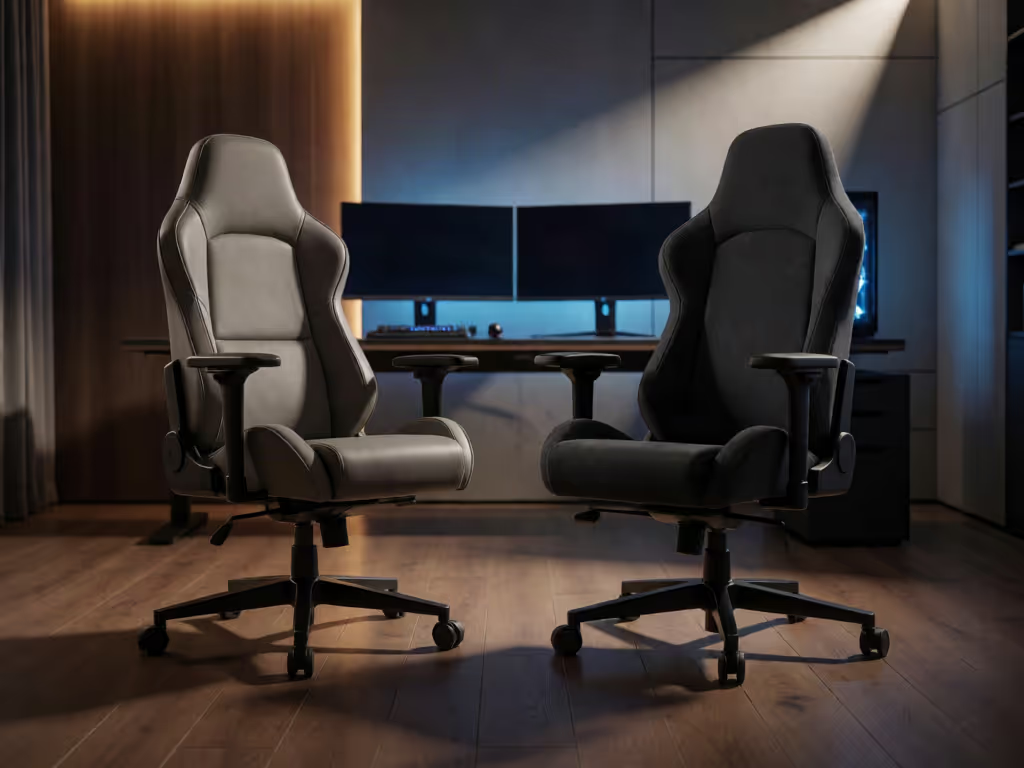
PC Desk or Console Floor: Best Gaming Chair Choice
By Linh Vo • 12th Oct
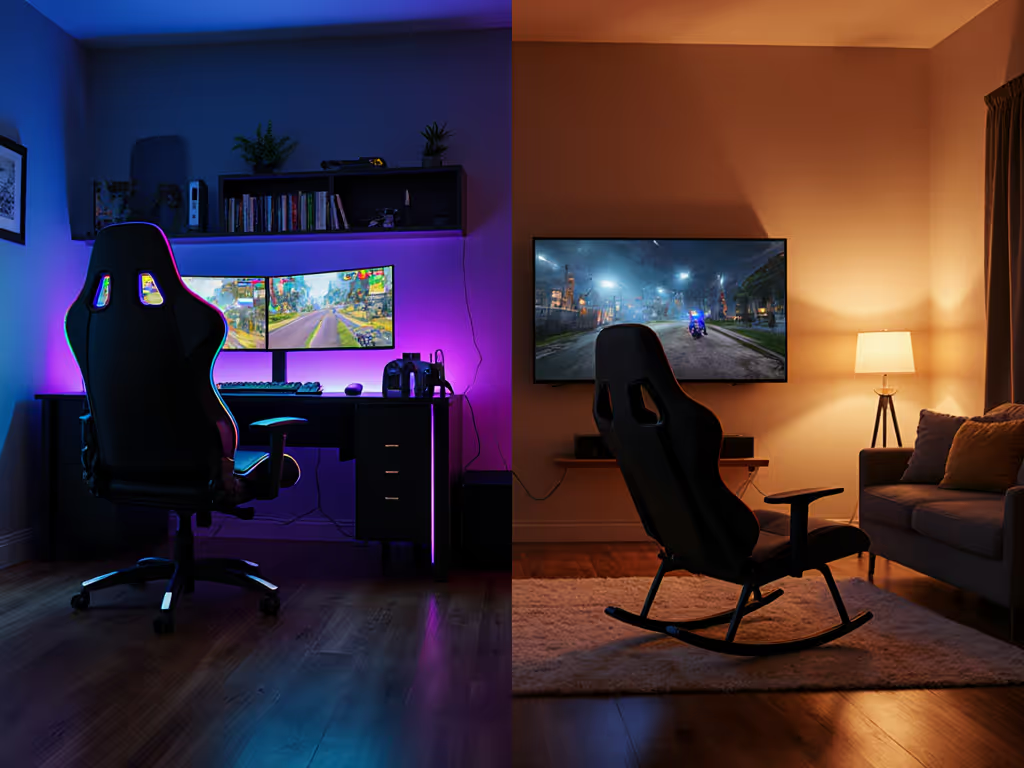
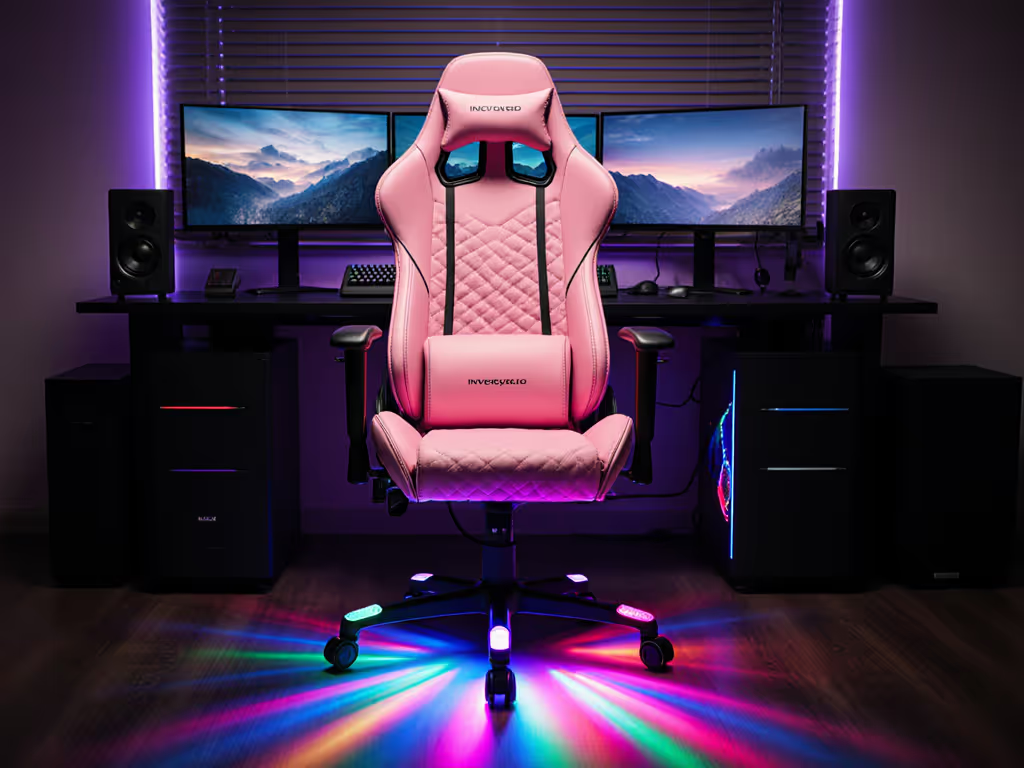
Your gaming setup isn't complete without the right throne, but the choice between PC desk chairs and console floor models isn't just about aesthetics. It's a spatial calculation where your room dimensions, playstyle, and posture needs intersect. For console gaming chair seekers prioritizing living room immersion or space-challenged setups, floor rockers often deliver. Meanwhile, gaming PC chair users need precision alignment with desks and peripherals. Let's dissect this ergonomic puzzle.
Design & Spatial Footprints
- Console chairs like rockers or pedestals sit low to the floor, eliminating casters but requiring clear recline envelopes (typically 24"-35" depth). Their bulkier bases demand open floor space but bypass desk clearance issues.
- PC desk chairs operate on a 360° caster radius (~32" diameter) and need 10"+ under-desk clearance. Five-star bases average 27" wide (problematic for narrow rooms where doors swing near desks).
Lin's Fix: A client's door clipped their chair daily. Swapping 75mm casters for 50mm glides and a compact base gained 3cm clearance.
| Platform | Base Type | Min. Clearance | Storage Impact |
|---|---|---|---|
| PC Desk | Casters | 32" rotation | Fixed position |
| Console Floor | Solid/Rocker | 24"x34" footprint | Foldable options |
Comfort & Posture Engineering
| Feature | PC Desk Chair | Console Floor Chair |
|---|---|---|
| Posture Focus | Upright 90° alignment | Relaxed recline |
| Lumbar Support | Adjustable depth/height | Fixed or padded pillow |
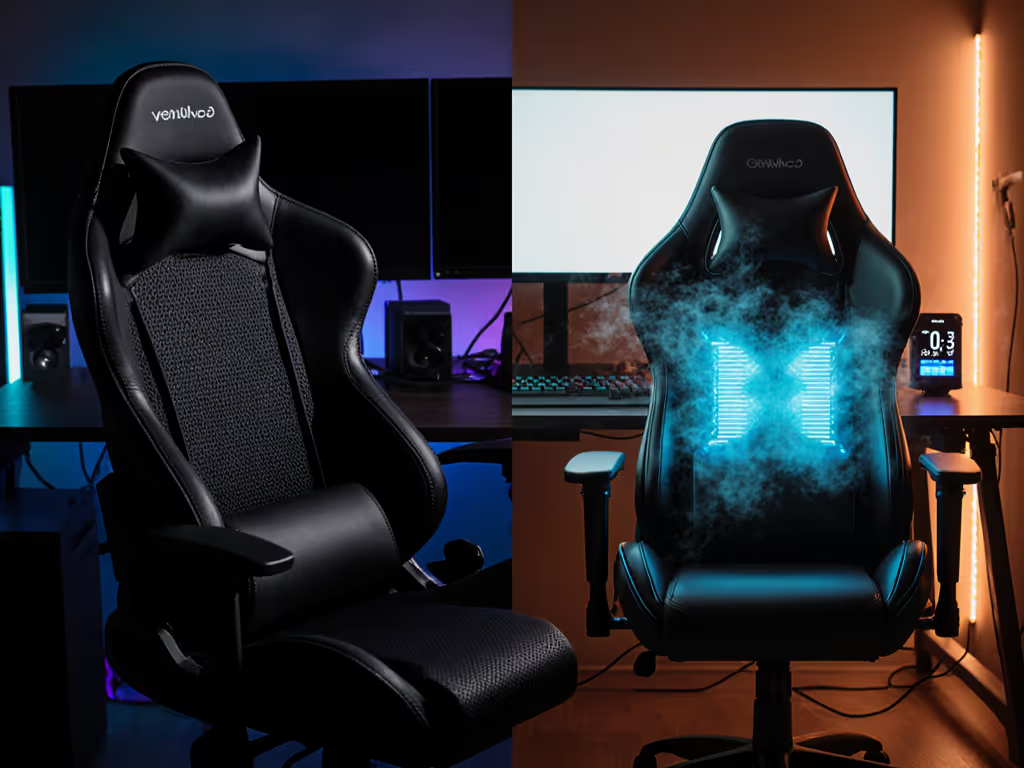
| Session Durability | Mesh/hybrid fabrics | PU leather (heat retention risk) |
| Neck/Head Alignment | Height-adjustable | Static headrest |
PC chairs dominate for optimal gaming posture during keyboard/mouse use. Their synchronized tilt mechanics support forward-leaning positions crucial for competitive play. Console models shine in RPGs or racing games where 150°+ recline enhances immersion but sacrifices spinal neutrality.
Adjustability & Body Matching
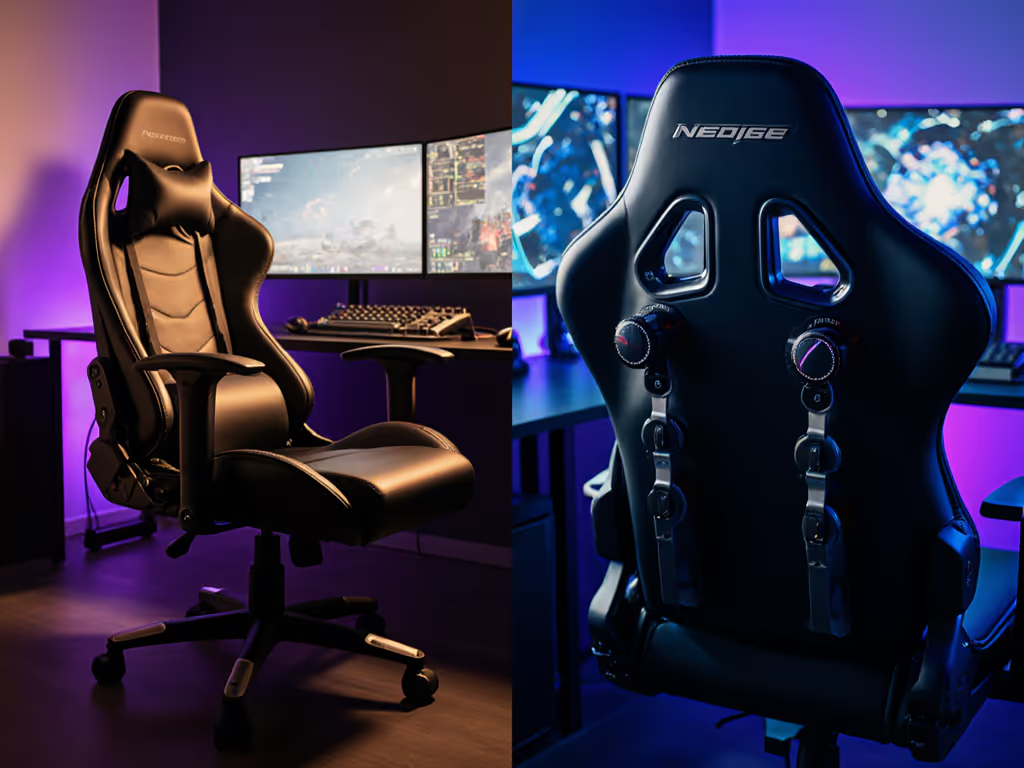
- Armrests: PC chairs offer 4D articulation (height/pivot/depth/width) for peripheral alignment. Console armrests are typically fixed, problematic for guitar/rhythm games.
- Seat Depth: Critical for petite users (<5'5"). Look for 16"-18.5" PC seats with slide mechanisms vs. console's one-size-fits-all 20"+ depths.
- Weight Distribution: Heavier users (>250lb) prioritize reinforced frames like the Razer Enki's steel base over floor chairs' particleboard cores.
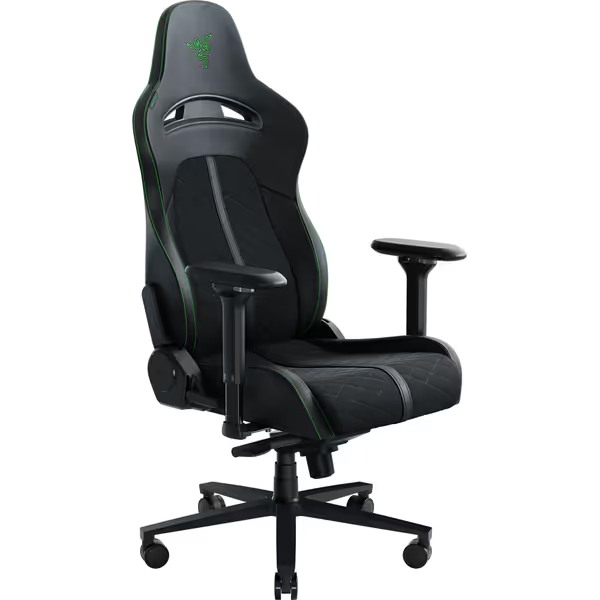
Razer Enki Gaming Chair
All-day comfort with ergonomic support for marathon gaming sessions.
$449.99
ReclineUp to 152 degrees
ReclineUp to 152 degrees
Pros
Optimized cushion density for comfort & support
Built-in lumbar arch reduces fatigue
Cons
Fixed shoulder arches may not suit all body types
Customers find it comfortable for hours, noting good lumbar support, easy assembly, and durable, firm cushions.
Customers find it comfortable for hours, noting good lumbar support, easy assembly, and durable, firm cushions.
Storage & Compatibility
Console chairs win here. Folding designs like the X Rocker collapse to 10" depth, while integrated pockets store controllers/headphones. PC chairs lack storage and tuck under desks only with:
- Retractable armrests
- Sub-19" seat heights
- Cylinders supporting 28"-30" desk heights
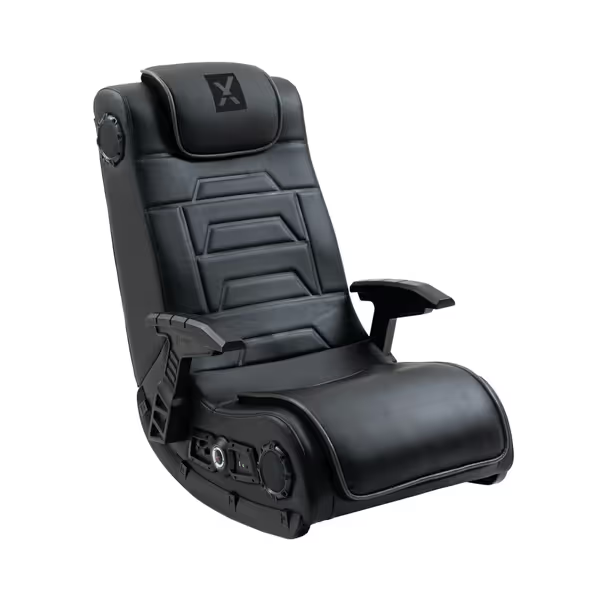
X Rocker Video Gaming Floor Rocker
Immersive floor rocker with built-in audio for enhanced gaming experiences.
$306.81
Sound System4 speakers + 4’’ subwoofer
Sound System4 speakers + 4’’ subwoofer
Pros
Immersive audio with haptic feedback
Multi-platform wireless compatibility
Cons
Durability concerns with vinyl and joints
Customers praise excellent quality, built-in speakers, and comfort, but note durability issues with vinyl and chair joints.
Customers praise excellent quality, built-in speakers, and comfort, but note durability issues with vinyl and chair joints.
The Verdict: Your Blueprint
- Measure your space: Map door swings, desk depth, and recline zones.
- Audit your playstyle: Forward-leaning FPS? Prioritize PC ergonomics. Controller-based lounging? Console chairs suffice.
- Match your body: Petite users need seat depth adjustability; broad shoulders require wide backrests.
For console setups, X Rocker's foldability and audio integration justify its footprint. PC gamers need the Razer Enki's lumbar precision and caster mobility. Measure twice, sit once. Your spine and living space will thank you.
Further Exploration: Use masking tape to outline chair footprints in your room. Test recline angles against nearby walls and desks before committing.
Related Articles