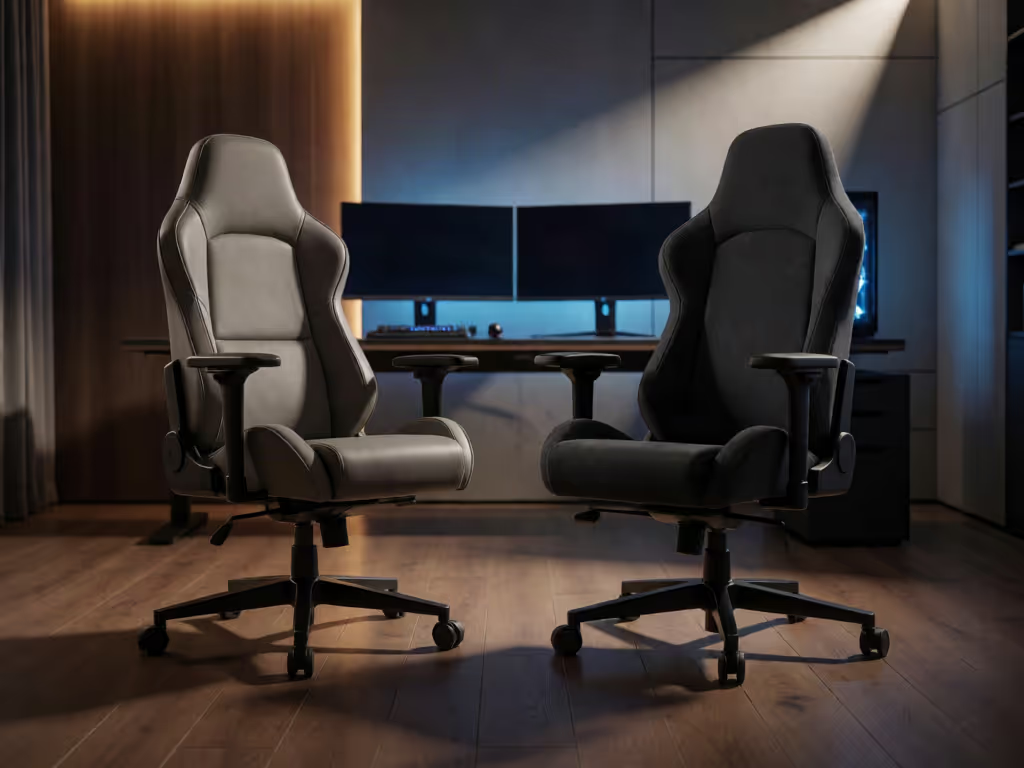
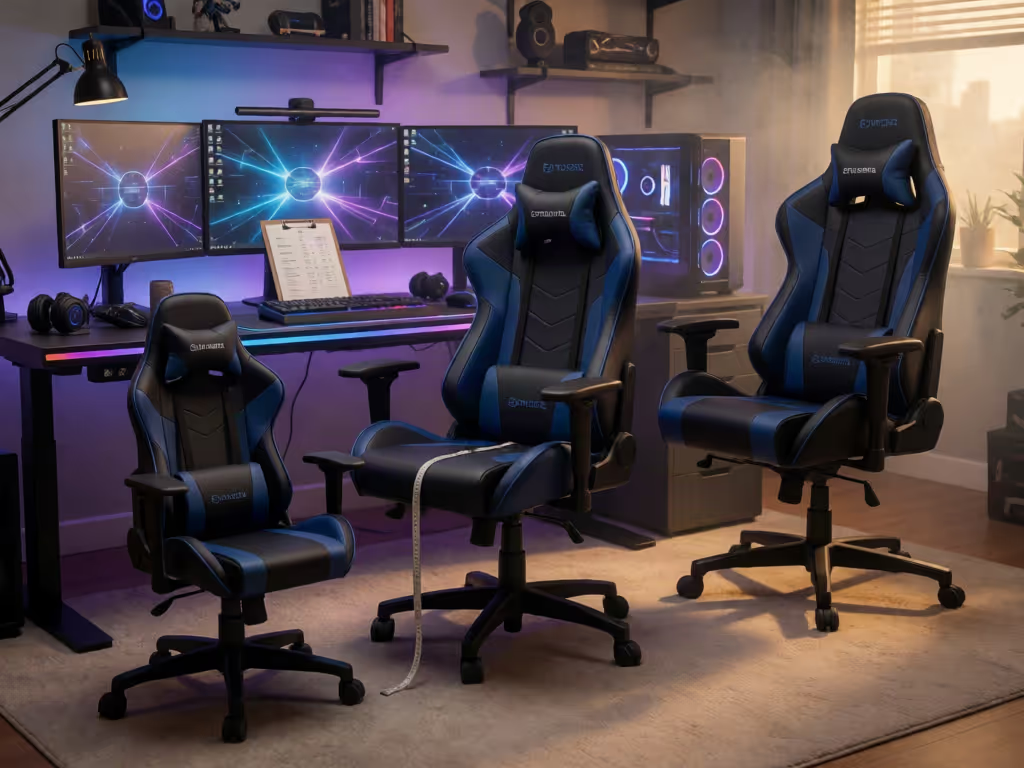
Compare EPIC's 4D armrests and stated recline with RESPAWN 3085's flip-up arms and integrated support. Learn how to pick by fit, measurements, and setup.
Use a simple reset routine to fit a shared gaming chair to each user: set seat height, check knee pressure, adjust back, and clear armrest obstructions.
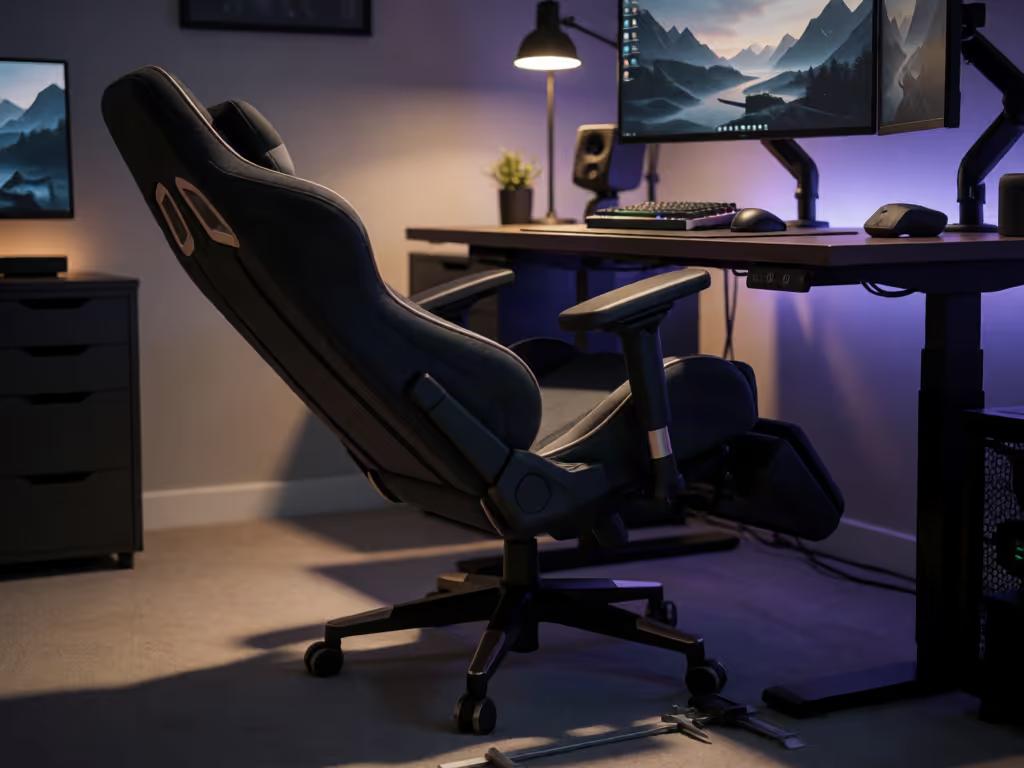
Stop guessing from recline specs. Measure the chair's full movement envelope and monitor-arm travel to plan real desk clearance and avoid fit mistakes.
Learn how to verify a vegan gaming chair with a component-by-component checklist, demand supply-chain documentation, and separate ethics from comfort claims.
Learn how chair physics affects aim, with tested specs to cut wobble and drift. Pick materials and hardware that keep stability - and precision - over time.
See how adjustable headrests beat fixed designs in pressure, heat, and focus tests, and learn the setup steps and ranges that fit different body types.
Use simple measurements to match seat depth, backrest height, and cylinder range, creating a longer-lasting fit and a shortlist that won't need replacing.
Lab-tested insights on breathability, firmness, and fit; why TX fabric fares better in heat; plus setup tips to reduce thigh pressure and improve focus.
Measure your body to pick the right seat depth, lumbar height, and edges that ease sciatic pressure. Use the 5-step guide to game longer with less pain.
Learn if Kaiser 3 truly fits tall gamers with measured seat depth, lumbar and armrest ranges, recline envelope, space clearances, and height fit guidance.
Use a space-first method to pick a tournament-ready chair. Map movement clearance, size for dynamic recline, choose the right casters, and validate fit.