Console Gaming Chair Workflow for Shared Households
By Aisha Karim • 7th Oct
What to do
Treat a chair at a shared computer-desk or hybrid gaming workstation as a shared workstation, not a one-time setting. Give each user a brief reset routine that checks foot support, seat-pan pressure behind the knees, and whether armrests block close access to the workstation.
- Start with: Choose a chair and workstation with enough adjustment for the household’s different users.
- Then: At every handoff, adjust seat height first, check seat-pan pressure, adjust the back as part of the individual setup, and check whether the armrests obstruct close access to the workstation.
- Important prerequisite: Allow time for the incoming user to complete the checks.
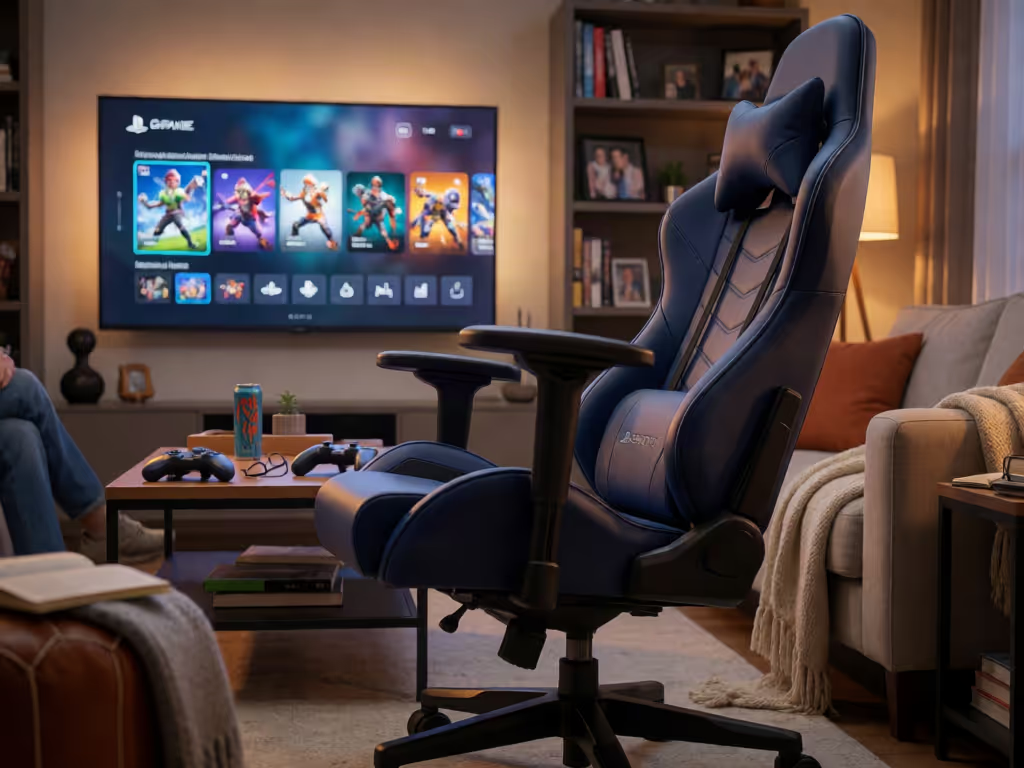
Important: This guidance applies most directly to computer-desk or hybrid gaming stations, not necessarily low television, recliner, or floor-gaming setups.
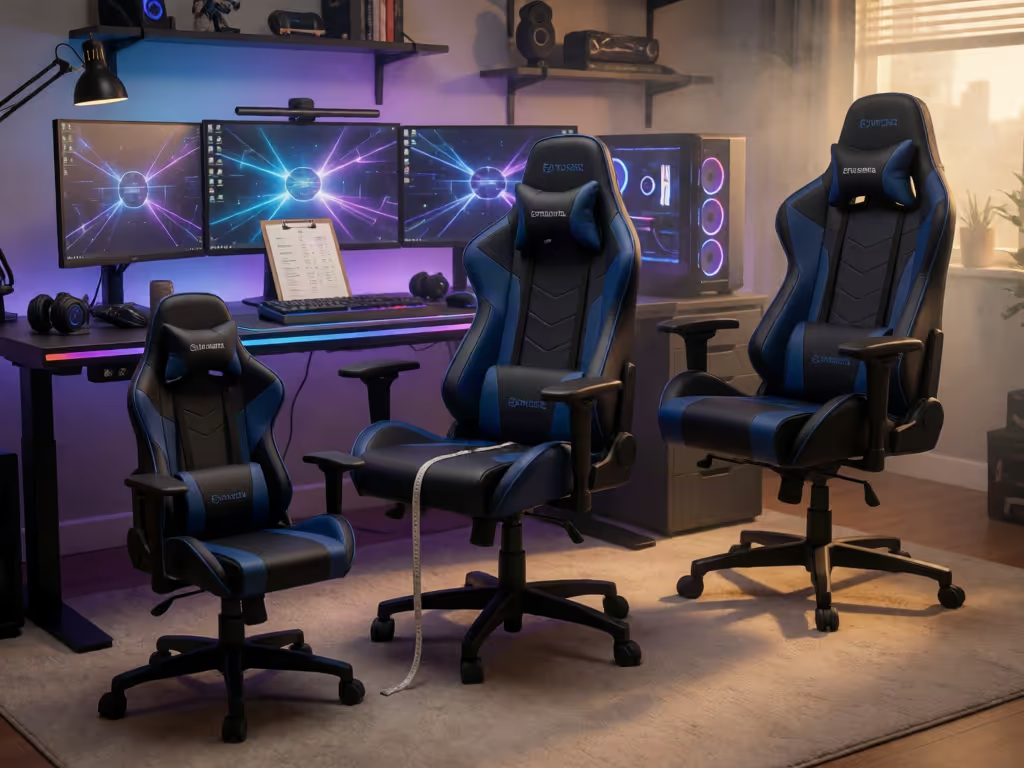
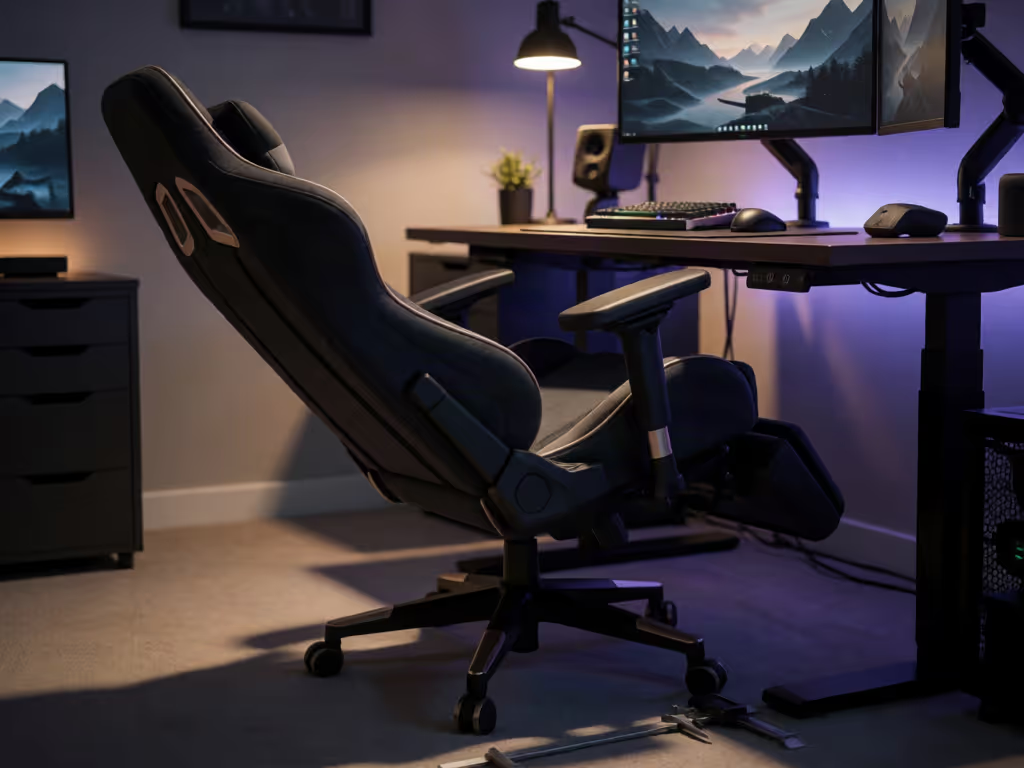
A chair at a shared computer desk or hybrid gaming workstation needs a reset whenever a different person uses it. For a practical framework built specifically around shared gaming chair fit, use outcome checks and reset points rather than relying on one permanent setting. The practical problem is not finding one "neutral" setting. It is building a repeatable reset process so each user can re-establish foot support, avoid seat-pan pressure behind the knees, and keep armrests from blocking close access to the workstation. This matters especially where gaming overlaps with a computer desk: a chair setting that works for one person may not fit the next user.
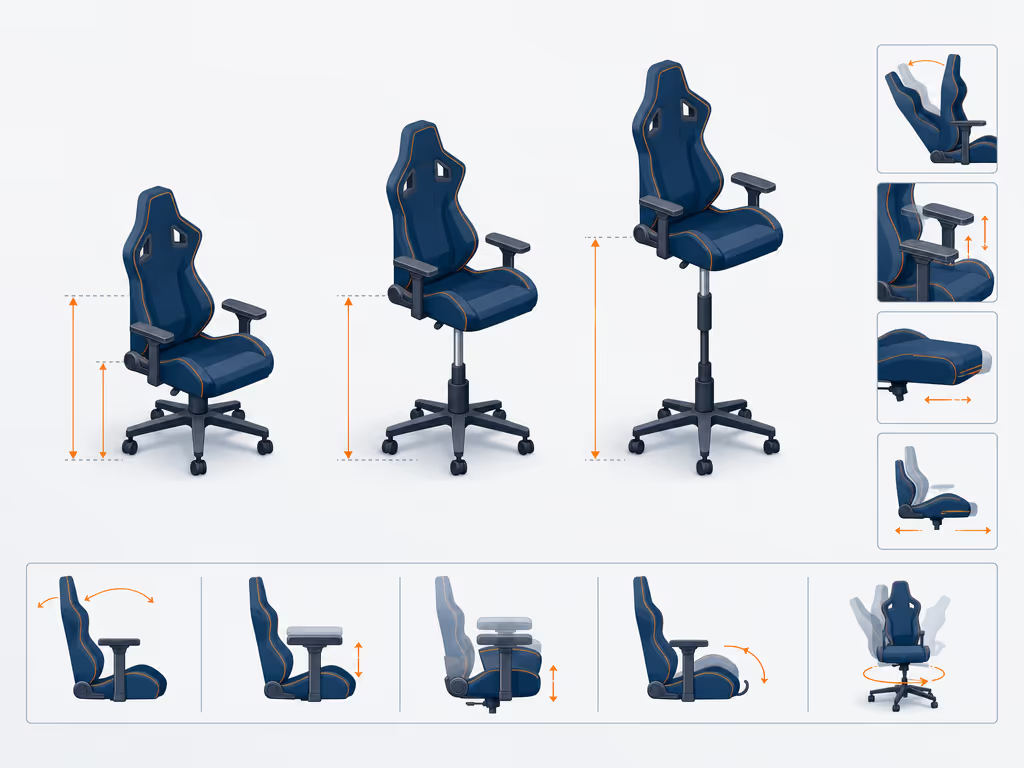
Adjustability is a system, not a single lever.
This guide addresses a shared computer-desk or hybrid gaming workstation. It does not assume that a low television lounge setup, recliner, or floor-gaming arrangement follows the same rules; the available guidance is substantially stronger for computer-workstation seating.
Start with the correct objective: individual fit, not a compromise setting
A shared chair is not "set once." Institutional ergonomics guidance is explicit that a shared workstation must be flexible enough to adjust for users of different sizes. Workstation setup adjustments are interdependent: changing one setting may alter the requirements of other components, and armrests may need adjustment when they prevent close access to the workstation.
For a household with users of materially different stature or leg length, the goal is therefore an outcome check at every handoff, not a remembered chair number. A dated National Weather Service workplace procedure once listed a 16 to 20.5 in (40.6 to 52.1 cm) seat height range and a 15 to 17 in (38.1 to 43.2 cm) seat depth as institutional seating criteria. Treat those figures as historical context, not universal consumer-chair requirements or proof that a particular chair will fit your household.
The useful question is simpler: can each person adjust the chair's height, seat, and back sufficiently to reach a workable posture at the actual shared gaming setup?
Account for the incoming user before anyone sits down
A reliable routine starts with the person taking the chair. Shared-workstation guidance calls for enough flexibility to accommodate users of different sizes, and individual chair and workstation adjustments are interdependent. Do not assume that settings suited to the previous user will suit the incoming user.
This keeps the focus on the evidence-backed issue: the user's individual dimensions and the way one adjustment can alter the requirements of other workstation components.
Use three outcome checks
Ask the incoming user to answer three questions:
- Feet: Do both feet reach the floor comfortably?
- Knees: Is there pressure from the front of the seat pan against the backs of the knees?
- Armrests: Do the armrests prevent the user from getting close to the workstation?
These are functional checks, not diagnosis. Because workstation adjustments are interdependent, changing one setting may require revisiting the others. Repeat the adjustment process until the user reaches a satisfactory individual setup. For a more detailed walkthrough of chair, monitor, and accessory positioning, see this optimal gaming posture guide.
The shared-chair reset sequence
Run this sequence in the same order every time. The order matters because seat height affects the rest of the setup.
1. Set seat height from the floor upward
Adjust the chair so the incoming user's feet reach the floor comfortably. Do not start by matching the previous player's setting or by setting armrests to desk height.
If workstation constraints make comfortable foot support impossible after the chair and station are adjusted, an adjustable footrest is an available option in workstation guidance.
2. Check seat-pan pressure before starting the game
Have the user sit back, then ask whether the seat pan presses into the backs of the knees. If it does, adjust the seat pan where the chair permits it, then repeat the check.
This is a high-value pause in a shared gaming setup. Check again during use if the user notices pressure behind the knees; adjust the seat pan where the chair permits it.
3. Adjust the back as part of the individual setup
Use the chair's available back adjustment as part of fitting the chair to the incoming user. Then revisit the other settings because changing one component may alter the requirements of another.
This is the interdependence problem in practice. Make one change, observe the result, and repeat the adjustment process until the user reaches a satisfactory individual setup.
4. Set or remove the armrest obstacle
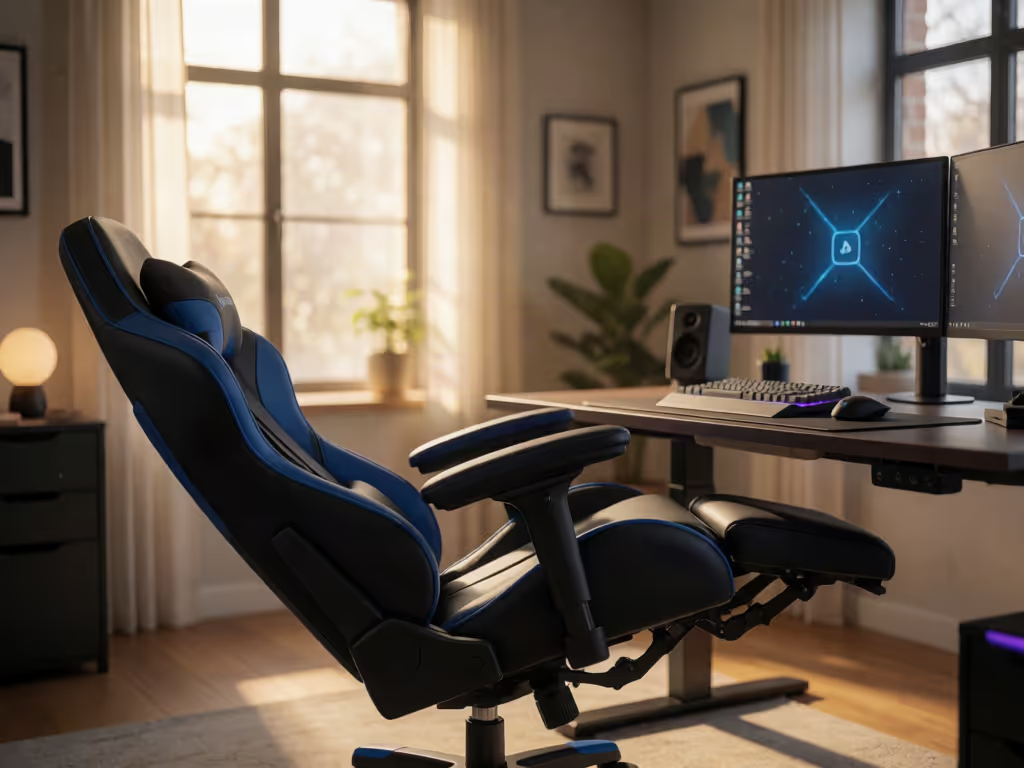
Armrests should not prevent a user from getting close enough to the workstation. If they do, adjust them when the chair allows it; if the design permits removal, that is another option. The aim is not to make every user adopt the same arm position. It is to preserve access to the shared station without an avoidable obstruction.
Give the handoff enough time to work
Shared-workstation guidance includes allowing users time, support, and supervision to make adjustments. In a household, translate that into a small operational rule: the incoming player gets a reset window before the session begins. Do not treat adjustment as an interruption or insist that the next person "make do" with the prior user's setting.
Avoid overstating precision. There is no established evidence here for a universal handoff time, adjustment-speed benchmark, colour-coded controls, photographed settings, or saved presets. Households that find multiple controls confusing may also benefit from comparing simple and complex chair adjustments before choosing a replacement. If your household wants to keep informal notes, use them only as reminders of a starting point; verify the physical outcomes every time.
A concise handoff script is enough:
- Feet supported?
- No seat-edge pressure behind the knees?
- Do the armrests allow close access to the workstation?
Because the settings are interdependent, repeat the adjustment process until the user reaches a satisfactory individual setup.
Keep the chair serviceable without damaging its materials
For cleaning guidance, follow a dedicated shared gaming chair hygiene guide when deciding how often and how thoroughly to clean chair surfaces. Material-specific gaming chair care starts with the actual chair maker's care instructions and the selected product's label. Before using any cleaner or disinfectant, identify each surface, consult the chair maker's care instructions, and read the selected product's Directions for Use.
Manufacturer guidance from OdinLake describes a label-first sequence: remove visible soil before disinfecting surfaces that are eligible for the product, then keep the treated surface visibly wet for the full label contact time. This is not a blanket compatibility claim for every fabric, mesh, leatherette, plastic, or coating. Where the chair manual and a cleaner label differ, follow the applicable product instructions rather than improvising.
Do not import maintenance intervals from another chair. For example, one task-chair manual instructs users to check bolts and screws every six months, but that instruction belongs to that specific model, not to every shared chair. Use the maintenance schedule supplied with your own chair.
Build a household workflow that survives real use
The strongest shared-chair system is not the chair with the most theatrical adjustments. It is the one that lets each household member establish a workable relationship among chair height, seat pan, back adjustment, and armrests.
Keep the reset sequence visible near the setup, especially if the chair alternates between gaming, homework, streaming, and remote work. Then observe what actually needs attention: knee-edge pressure, armrest-to-workstation interference, unsupported feet, or a back setting that still needs adjustment. Those observations tell you where the system needs adjustment.
If you keep notes across sessions, limit them to the setup observations and any adjustments made. Institutional ergonomics procedures document findings and corrective actions; household notes can similarly help you remember what changed, but they do not replace individual adjustment.
Related Articles