Gaming Chair Recline Angle Explained For Desk Clearance
By Priya Ndlovu • 29th Sep
What to do first
A marketed recline angle is not a clearance measurement. To plan a gaming chair behind a desk, measure the chair’s actual movement envelope—upright, reclined, tilted, swiveled, and with any footrest extended—then compare it with walls, desk edges, access paths, and monitor movement.
- What to do first: Place the exact chair in its intended location and mark its outermost rear, side, and front points on the floor at the positions you will use.
- Likely explanation: Clearance varies with the pivot, seat movement, armrests, headrest, tilt mechanism, and footrest.
- Stop or escalate when: Treat the layout as unresolved if the chair’s marked footprint, monitor-arm movement, cables, or required access paths do not fit at any intended position.
Important: No single gaming-chair backrest angle is medically established as optimal for every user or task.
If you are comparing the best gaming recliner chairs, this gaming chair recline angle explained guide starts with the specification that marketing pages routinely make useless: the advertised angle does not tell you how much room the chair needs behind your desk. A chair's real clearance is its movement envelope (every point it occupies upright, reclined, tilted, swiveled, and, where applicable, with a footrest extended). Measure that envelope in your room before you commit to a layout or a purchase. For more precise planning in a confined room, use these small-space gaming chair measurements as a starting point.
Problem: A Recline Number Is Not a Clearance Measurement
"Reclines to X degrees" sounds precise. It is not a usable room-planning dimension by itself.
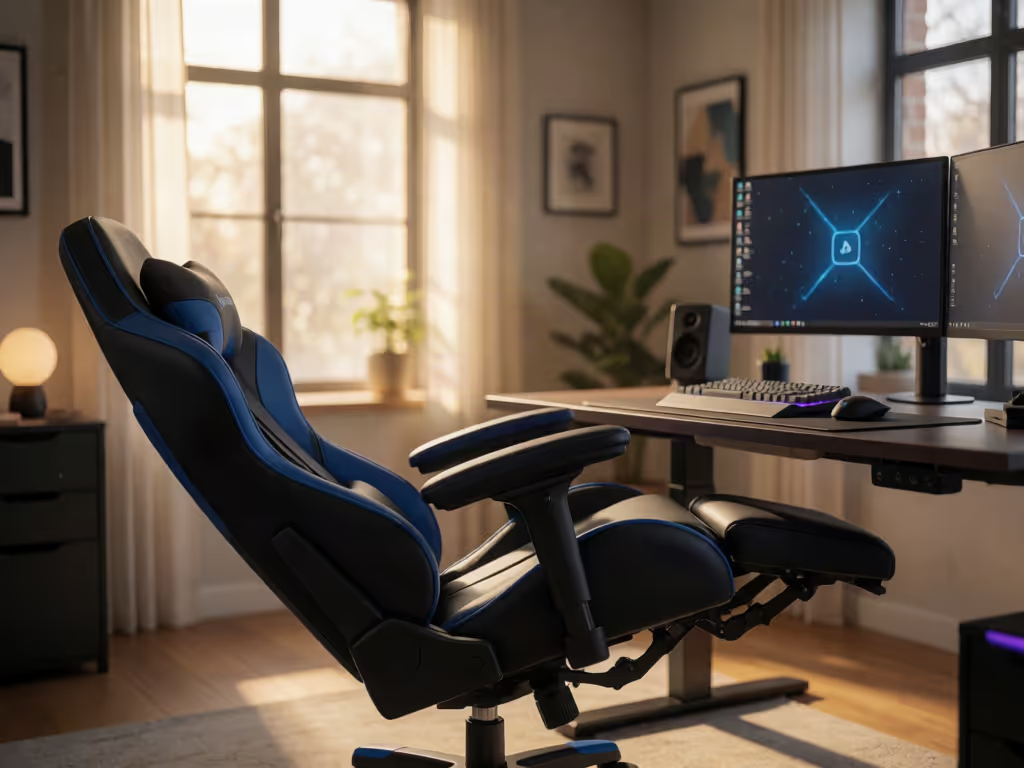
There is no universal convention for how brands define or measure a marketed recline angle. That number does not disclose where the backrest pivots, how far the headrest projects, whether the seat moves, whether the whole chair rocks, or how much space you occupy while using it. Two chairs with the same claimed maximum angle can need materially different space behind a desk.
The common mistake is treating the recline angle as though it creates one simple arc behind the chair. In reality, several motions may overlap:
- Backrest recline: adjusts the backrest angle; the motion path is model-specific.
- Seat or whole-chair tilt: can be separate from backrest recline; the motion path is model-specific.
- Swivel: the chair and its armrests require model-specific side-clearance checks.
- Optional footrest movement: changes the occupied footprint.
- User and cable movement: account for these when marking the envelope.
On some chairs, recline and tilt are separate functions with separate controls. One gaming-chair manual, for example, uses a short side lever to set and lock the backrest recline, while the height-control lever unlocks the chair's tilt; a front tension knob changes the effort needed to tilt. That control scheme is not universal, but the distinction matters everywhere: a backrest angle is not necessarily the same thing as a chair-tilt angle.
Why the desk makes the error worse
A desk is not simply an obstacle in front of you. Chair clearance and monitor-arm movement need separate checks. Recline far enough and your eye line changes. If your monitor cannot move with you, you may compensate by craning your neck or reaching with your arms (exactly the trade-off a relaxed gaming posture was meant to avoid).
This is where gaming chair ergonomics turns into geometry. If you primarily use a PC at a desk, this PC versus console gaming chair guide explains why desk compatibility and reclining needs can differ by platform. A chair that clears the wall can still fail the setup if its monitor arm hits a shelf or its reclined position puts the screen outside a comfortable viewing direction.
A marketed recline angle is a feature; the measured movement envelope is the clearance specification that matters.
Agitate: Generic Clearance Rules Create Expensive Layout Mistakes
You will find generic recliner advice quoting rear and front clearances. Those figures are for conventional recliners, often with footrests, and should not be transferred to gaming chairs. A gaming chair may use a different pivot, tilt mechanism, or footrest design (or no footrest at all).
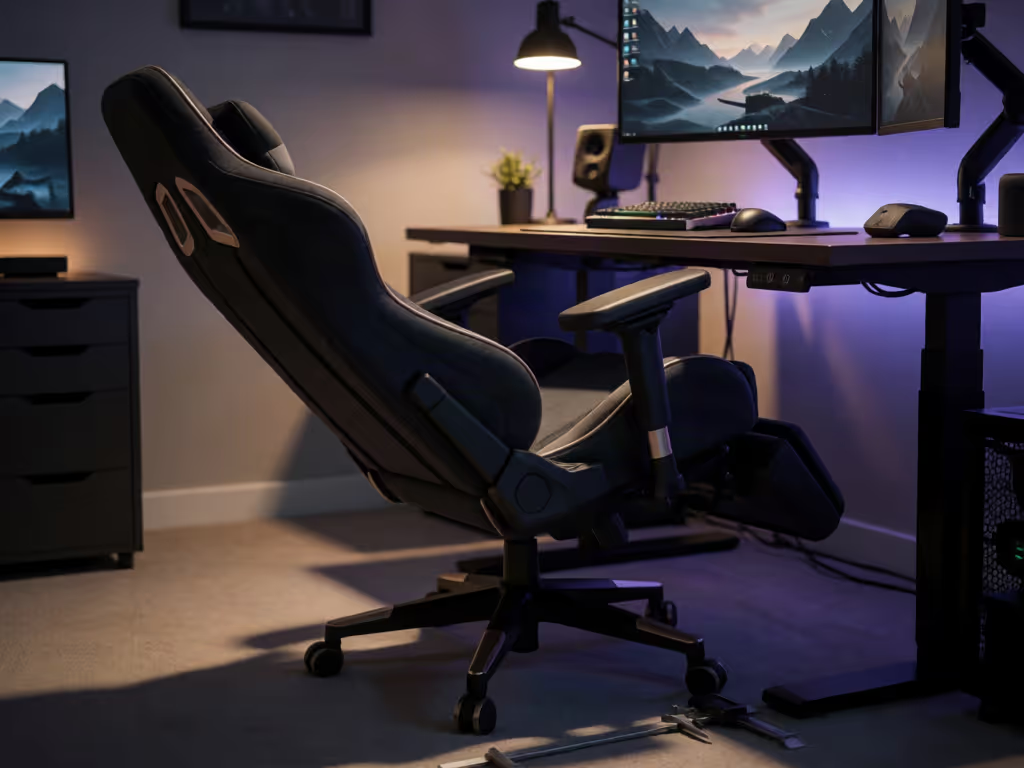
The result is predictable: you leave a seemingly sensible gap behind the chair, then discover that the headrest touches the wall at your preferred recline, the chair rolls backward when you lean, or the desk-mounted display becomes the new collision point.
There is no validated universal rear, front, or side clearance distance for gaming chairs. There is also no reliable equation that turns a stated recline angle into the chair's rearward projection. Any article that offers one fixed number without the exact chair's full-open dimensions is supplying false precision.
I am skeptical of that precision because it tends to hide the parts that must be measured in real use. My flashiest chair taught me that styling is a poor substitute for a simple, measurable setup.
Recline and tilt are not interchangeable
Chair-mechanism terminology helps explain why motion paths can differ:
- A centre-tilt mechanism moves the seat pan and backrest together at a 1:1 relationship.
- A synchro-tilt design links them at different rates, commonly described by its manufacturer as about 2:1 backrest-to-seat movement.
- A multi-function mechanism can allow backrest and seat-pan angles to be adjusted and locked independently.
Whether your gaming chair uses any of these arrangements must be confirmed from its manual and actual motion. These descriptions explain why chairs equipped with different mechanisms may move differently at the same apparent backrest position. Check the manual, then test the actual range the chair permits. Follow its model-specific safety instructions as written; do not borrow operating steps from a different chair.
Solve: Measure the Chair's Actual Movement Envelope
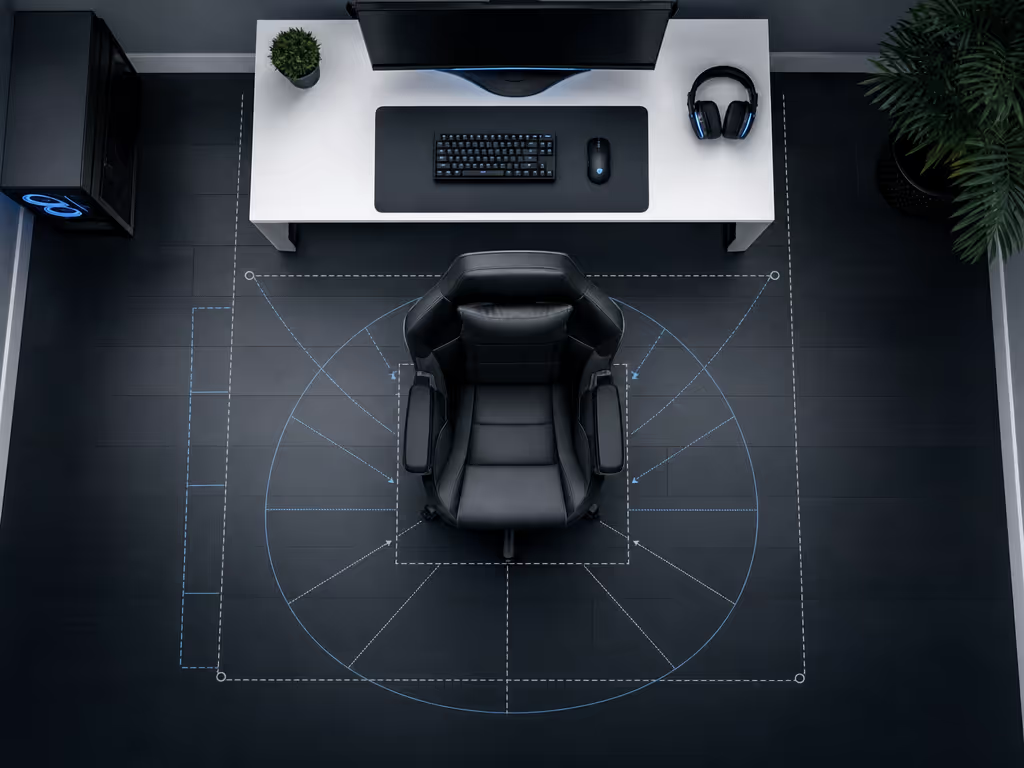
The practical answer is a floor-tape test. It is low-tech, but it measures what matters in your room rather than guessing from an angle badge.
1. Establish the upright working position
Put the chair where you intend to use it. Set its normal desk height, armrest position, and upright backrest position. Mark the outermost points it occupies on the floor:
- the rearmost point of the chair or headrest;
- the outermost left and right points of the wheelbase or armrests;
- the frontmost point of the seat, legs, or footrest if fitted.
Also note where you need clear access: the route to sit down, drawers you open, a PC tower, a bed, or a doorway. Clearance is not just "nothing touches." You need a usable path through the space.
2. Mark each position you will genuinely use
Test the chair at three practical positions rather than only fully upright and fully reclined:
- Desk/focus position for mouse-and-keyboard play or work.
- Active recline for controller gaming, browsing, or a less forward posture.
- Deepest permitted recline you expect to use for breaks or media.
At each stop, mark the outermost rear, side, and front positions. If the chair has tilt, repeat the test with tilt unlocked only if you use that mode. If it swivels in the reclined position, rotate it through the angles you realistically use and mark any wider points.
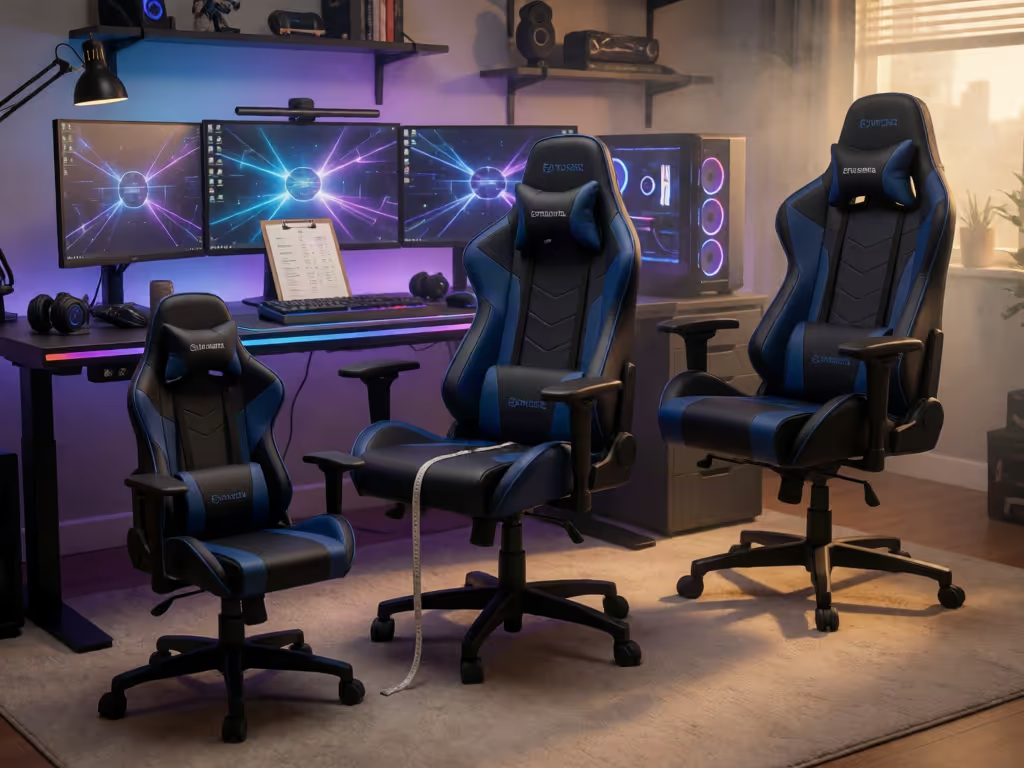
Do not assume the rear edge is the only problem. Side clearance depends on the chair’s armrests and swivel range, so measure it at the positions you intend to use. Because knee position also depends on how far your legs extend across the seat, review this gaming chair seat-depth guide before finalizing the layout. The tape outline converts vague "should fit" thinking into a visible occupied footprint.
3. Test desk clearance as a separate question
For a desk setup, check these items with the chair at the intended position:
- Armrests: Can they fit beneath or beside the desk without forcing your shoulders upward or pushing you too far back?
- Keyboard and mouse reach: Can you recline without locking your elbows straight or reaching for the desk?
- Monitor position: Does the screen remain comfortable to view, or do you need to adjust its height or tilt? A manufacturer-published gaming guide suggests that monitor position may need adjustment as recline changes, but the correct placement is personal and setup-specific. For a complete walkthrough of coordinating chair, monitor, and accessory positions, see this optimal gaming posture and monitor adjustment guide.
- Cable slack: Make sure headset, charging, display, and desk cables do not become tensioned at the chair's farthest positions.
4. Independently map the monitor arm
A monitor arm has its own movement envelope. Check whether the arm, screen, base, and cables can rotate or extend without striking a wall, shelf, or other fixed object. At the clamp, inspect the desk underside for enough room for the lower plate, screw, handle, and tightening path. Cable trays, crossbars, and curved desk edges can prevent secure mounting.
This is a separate measurement from chair clearance. A chair may fit perfectly while the monitor arm cannot move far enough to support your reclined viewing position.
5. Treat comfort angle as a test result, not a rule
No single backrest angle is medically established as optimal for every gamer, body, or task. Readers using a full recliner should also review this guide to gaming recliner ergonomics, including how legrest angles affect lumbar support and posture. One manufacturer frames 90°-95° as task-focused, 95°-110° as active recline, and 115°-135° as recovery recline. Other posture guidance cautions that reclining can reduce lower-back pressure while increasing demands on the neck, shoulders, and arms or restricting torso movement.
The useful conclusion is not to hunt for a magic angle. Use the lowest-effort position in which you can see the screen clearly, reach controls without strain, and maintain your preferred play posture. Then verify that position against your taped footprint.
Final Verdict: Measure First, Then Judge the Recline
The best gaming recliner chairs for a tight desk setup are not defined by the largest advertised angle. They are the chairs whose actual permitted positions fit your room, desk workflow, monitor movement, and access paths.
For reliable gaming chair clearance behind desk, ignore generic recliner distances and map your exact chair: upright, active recline, deepest intended recline, tilt if used, and realistic swivel. Check monitor-arm travel independently. Consult the chair's own manual for its controls and safety limits.
Value is durability measured in comfortable hours, not launch hype. A taped floor outline makes the chair’s occupied positions visible before you finalize the layout.
Related Articles