Active Sitting Alternatives to the Ergonomic Chair for Gamers
By Jamal Okoye • 17th Sep
What to do
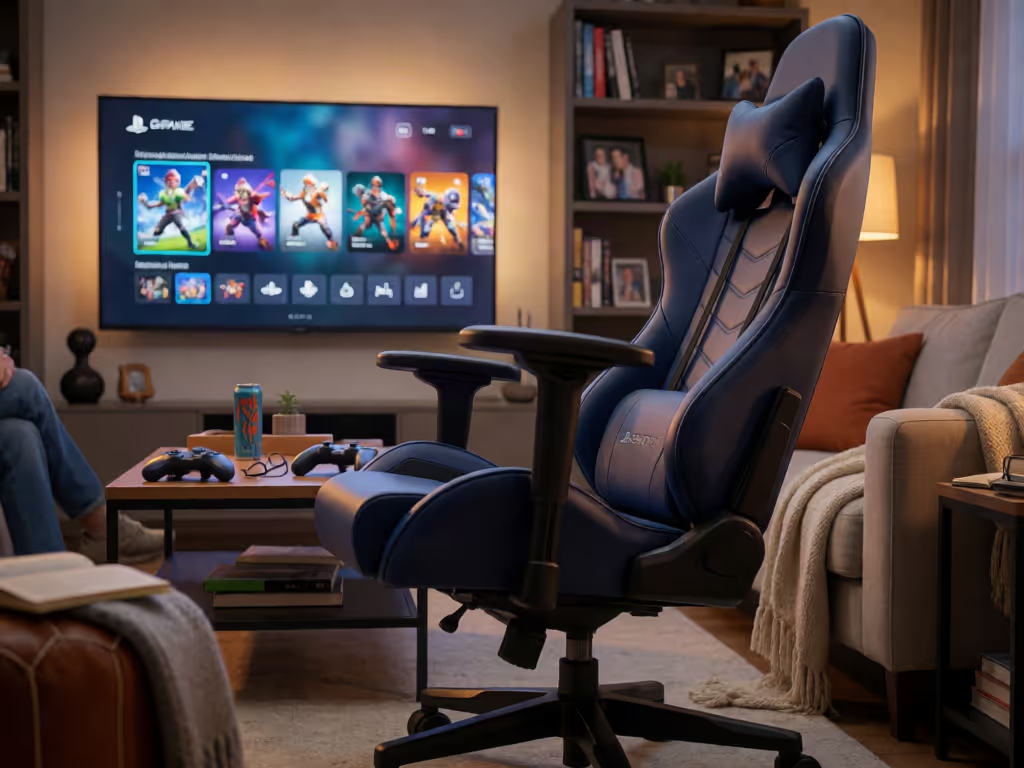
Use active seating as a carefully tested position-rotation option, not a proven replacement for an ergonomic chair. First measure your body and tune the workstation; then trial one alternative during real play while preserving stable feet, relaxed shoulders, supported elbows, and suitable screen height.
- Start with: Set the monitor, desk, and peripherals around your proportions, including seat height and depth, before judging any stool, saddle seat, kneeling chair, or dynamic chair.
- Then: Test the alternative during forward-focus, neutral, and relaxed play.
- Important prerequisite: Build in position changes and one- to two-minute standing, stretching, or walking breaks about every half hour. If you have an injured back or other health problems, seek medical guidance before using kneeling-style alternatives.
Important: Evidence for saddle seats and backless stools in gaming is limited, and the small dynamic-chair study cannot establish gaming, long-term, or clinical benefits.
An ergonomic chair for gamers is not the only way to change how you sit during a long session, but active alternatives deserve a clear-eyed trial, not hype. Whether you play mouse-and-keyboard at a desk or use a console gaming chair in a compact setup, the useful question is not "Which seat fixes posture?" It is: which positions can I use comfortably while keeping my screen, arms, feet, and body well supported? Measure yourself first, then let the setup (not the marketing) shape your shortlist.
Traditional adjustable chairs still have an important advantage: their backrests are designed to support the lower back, and a good fit lets you use that support without the front edge pressing into the backs of your knees. Active seating can be a rotation option, but the evidence does not support treating stools, saddle seats, or other moving seats as proven replacements for a well-fitted chair.
Start with your measurements; let specs narrow the field.
Step 1: Define what "active sitting" means in your setup
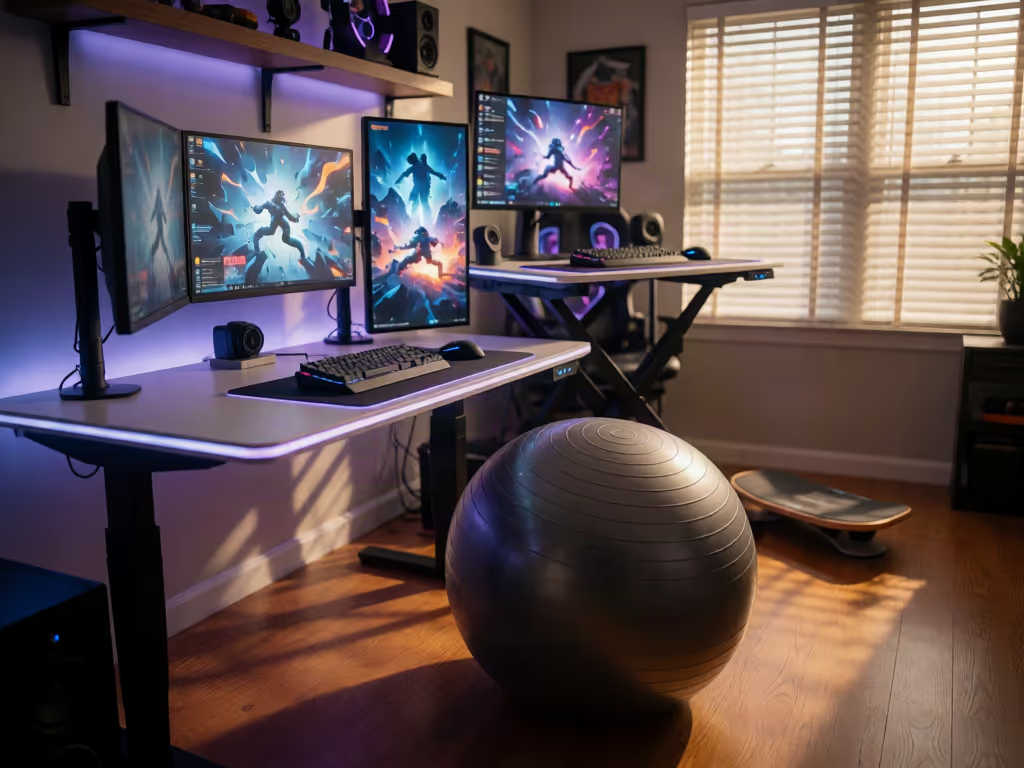
Active sitting simply means a seat or seating approach that invites more frequent small position changes than a conventional, fully supported chair. That can include:
- A purpose-built dynamic chair with a moving seat
- A saddle-style seat
- A backless stool
- A kneeling chair
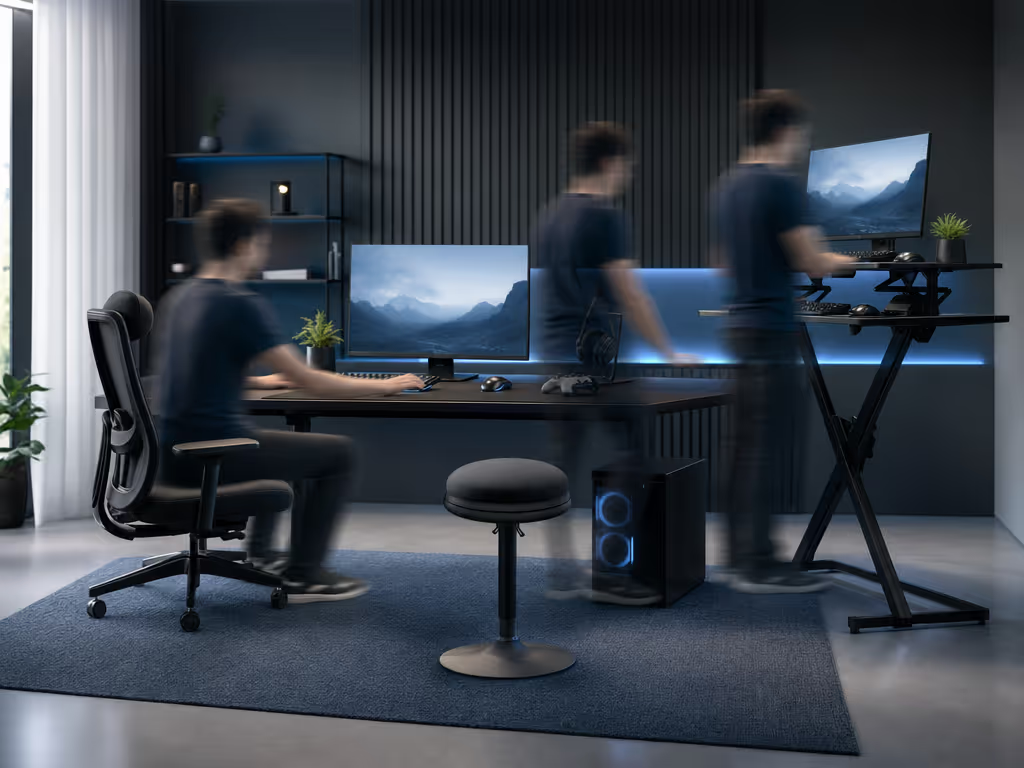
- Switching between a regular chair, standing, and short walking breaks
The last option is easy to overlook, yet it is the most broadly supported idea here. Workstation guidance is clear that no one posture is ideal indefinitely. Changing posture and position frequently matters more than trying to hold one "perfect" gaming pose for hours.
For gamers, active sitting is therefore best approached as alternative gaming seating for rotation, not a permanent challenge to see how long you can sit without a backrest. It may suit a focused match, menu management, browsing, or a short creative task. For any session where you want back support, keep a conventional chair available as a supported option.
Step 2: Establish your workstation baseline before changing seats
Do not judge a seat while the desk, monitor, and peripherals are working against you. Our optimal gaming posture guide explains the adjustment principles behind these workstation goals:
- The top of the monitor is at or just below eye level.
- Your head and neck are balanced with your torso.
- Shoulders stay relaxed.
- Elbows remain close to your body and supported.
- Hands and wrists line up with the forearms.
- Your lower back has support when using a conventional chair.
- Feet rest flat on the floor.
This is where gamers often discover that the problem is not entirely the gaming chair. A seat that feels fine during a relaxed controller session can feel wrong when you lean toward the monitor for an FPS, reach outward for a mouse, or raise your shoulders to meet a desk that sits too high.
Measure body landmarks rather than shopping by overall height alone:
- Lower-leg length: Sit with your feet flat and note the height that lets your thighs rest without your feet dangling.
- Thigh length: From the back of your hips to the area just before the knee bend. Compare it with seat depth; you want room to use the backrest without the seat front contacting the backs of your knees.
- Hip breadth: Check whether the usable flat portion of a seat gives you space without hard side contours dictating your posture.
- Shoulder breadth and elbow position: With your preferred mouse, keyboard, or controller posture, see whether your elbows can stay near your sides and supported.
These are fit checks, not universal pass/fail numbers. OSHA notes that no single posture or arrangement fits everyone. That is especially relevant if you are petite, tall, broad-shouldered, or simply proportioned differently from the seat you have been trying to tolerate.
Step 3: Choose the right alternative for the job, not the label
Dynamic chairs: the most direct version of active sitting
A small laboratory study examined a specific dynamic office chair whose seat moved side to side while returning toward a stable central position. In 10 healthy office workers reading in a simulated office, the moving seat produced a cyclic loading and unloading pattern in lumbar trunk muscles.
That is interesting biomechanics, but keep the boundary firm. The study did not test gaming, long sessions, generic wobble stools, saddle chairs, pain relief, or performance. It also involved a proprietary design and disclosed that one author was the inventor and commercial-rights holder for the seat motion.
Use this category only if its movement feels controlled enough that it does not compete with your aim, typing, or controller input. If the motion makes you brace, chase your balance, or lose relaxed shoulders, it is not serving the task.
Saddle-style seats: test the seat and your task carefully
Salli Australia says that a split saddle design creates a more open thigh angle and encourages the spine's natural curve. That is a manufacturer claim, not independent gaming-specific evidence.
What you can test yourself is more useful: Can you reach your desk with relaxed shoulders? Can your feet rest securely? Can you return to the seat repeatedly without the setup forcing you too high, too low, or too far from the screen? Does the shape still feel workable when you change from mouse play to controller play?
A manufacturer also notes that transitioning may feel unusual. Treat that as a reason to trial cautiously, not a reason to push through a poor fit. There is no established saddle-chair acclimation schedule in the available evidence.
Backless stools and kneeling chairs: limited-support tools
A backless stool removes the backrest that conventional workstation guidance relies on for lower-back support. There is not enough direct evidence to say how long a gamer should use one, whether it improves comfort, or how it compares with an adjustable chair.
Kneeling chairs are described in clinical guidance as promoting good posture without back support, but that does not make them a universal answer for gaming. Their value, if any, depends on your fit, your desk height, and whether your input posture remains calm and controlled.
If you have an injured back or other health problems, UCLA Health specifically advises discussing kneeling chairs and exercise balls with a doctor before using them; our guide to gaming chairs for back pain offers additional health-focused context. That caution should not be stretched into claims about every alternative seat, but it is a sensible reminder not to self-prescribe equipment as treatment.
Step 4: Run a practical fit trial during real play
You do not need a pressure map or a streamer's endorsement to notice a mismatch. Test one variable at a time in your normal game environment.
Use three play positions
Try the candidate seat during:
- Forward-focus play: aiming, editing, or typing close to the desk
- Neutral play: ordinary browsing, strategy, or casual PC play
- Relaxed play: controller use or a slower game where you are tempted to recline or shift
At each position, check the same landmarks:
- Are feet stable and supported?
- Are shoulders relaxed rather than lifted?
- Are elbows close to the body and supported when the task needs it?
- Is your neck balanced with your torso rather than craned at the display?
- If there is a seat pan, does its front edge stay clear of the backs of the knees?
- Can you change position without losing access to mouse, keyboard, controller, or pedals?
I learned this the hard way after treating numb legs in hour two as a cushion problem. Looking at inseam, thigh length, and shoulder breadth instead showed the mismatch. A more open, rounded seat front, a modest increase in seat height, and a taller back changed the equation far more than another cushion ever did.
Step 5: Build movement into the session, not into a single seat
The strongest takeaway is not that you must buy active seating. It is that static sitting is a poor long-session strategy, even in a chair you like. UCLA Health recommends standing, stretching, and walking for at least one or two minutes every half hour during desk use.
Make that workable for gaming:
- Use queue time, loading screens, and match breaks as movement prompts.
- Keep a conventional chair adjusted as your supported home base.
- Introduce one alternative seat only when the rest of the workstation is already workable.
- Return to the chair if you start compensating with raised shoulders, unsupported feet, or constant bracing.
For a living-room setup, the same principle applies: change position and stand up periodically. If you switch between console and PC, assess each station separately rather than expecting one seat to solve two very different reach and screen-height arrangements.
Step 6: Make your final decision with a short, honest checklist
Before committing to active sitting for gamers, write down the answer to these questions after several ordinary uses:
- Does this seat fit my body landmarks and workstation, rather than merely feeling novel?
- Can I keep my feet supported, shoulders relaxed, and elbows appropriately supported for my main game?
- Does it give me another comfortable position, or replace useful back support with a balancing task?
- Can I switch positions and take breaks without disrupting my play space?
- Do I have a reliable, well-fitted conventional chair for longer supported sessions?
Explore the setup, not just the seat
A well-fitted conventional office chair can provide lower-back support while accommodating appropriate seat depth and height. Active options can broaden your position menu, but they are not proven upgrades for every body or every game.
Start small: tune your current station, measure your key landmarks, and test one alternative seating idea against your actual playstyle. Comfort is personal and measurable. When the numbers and your real session notes agree, you can stop chasing flashy fixes and build a setup that lets you stay present in the game.
Related Articles