Gaming Chair Alternatives for Active Sitting and Cooler Play
By Aisha Karim • 15th Aug
What to do
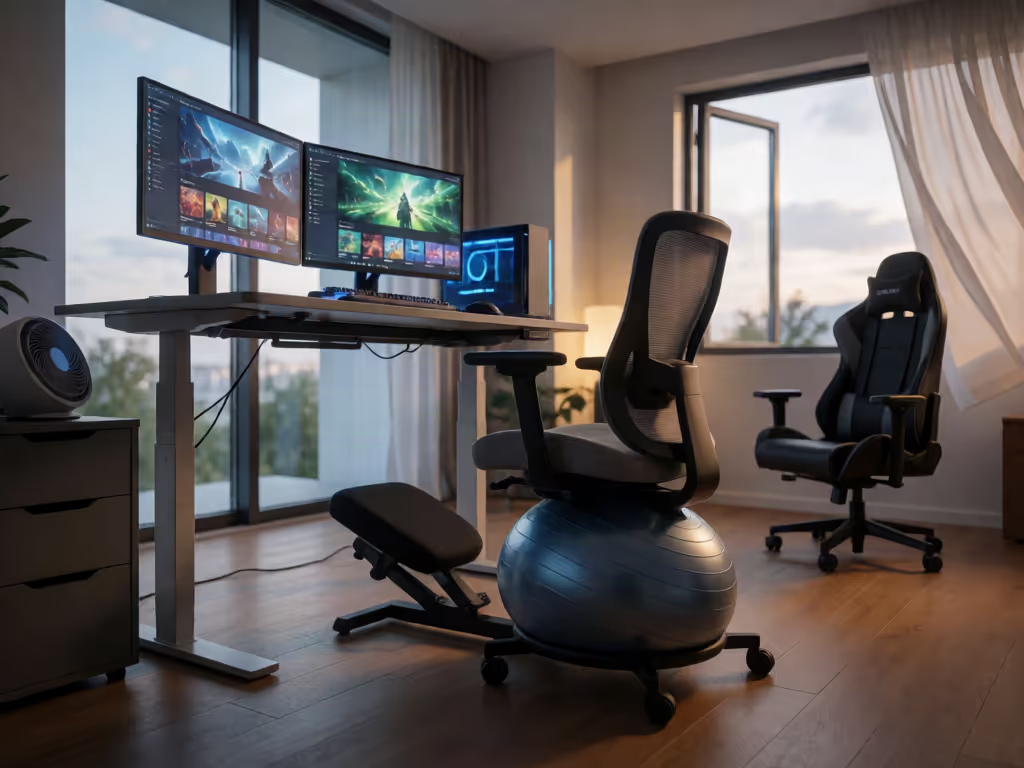
Active seating can broaden your gaming setup by making position changes easier, but it is not proven to keep gamers cooler or improve performance. Use a saddle or backless stool as one position in a rotation, not an automatic all-day replacement.
- Start with: Check desk height, foot support, input reach, and monitor access together.
- Then: Match the seat to the task: use active seating for shorter or movement-friendly blocks, and a supported chair when sitting upright, reclining slightly, aiming precisely, or playing longer sessions.
- Important prerequisite: Test the setup in your own room with consistent tasks and record warmth, pressure points, and position changes. Evidence for saddle seats comes from a narrow dental-student population, not PC gaming.
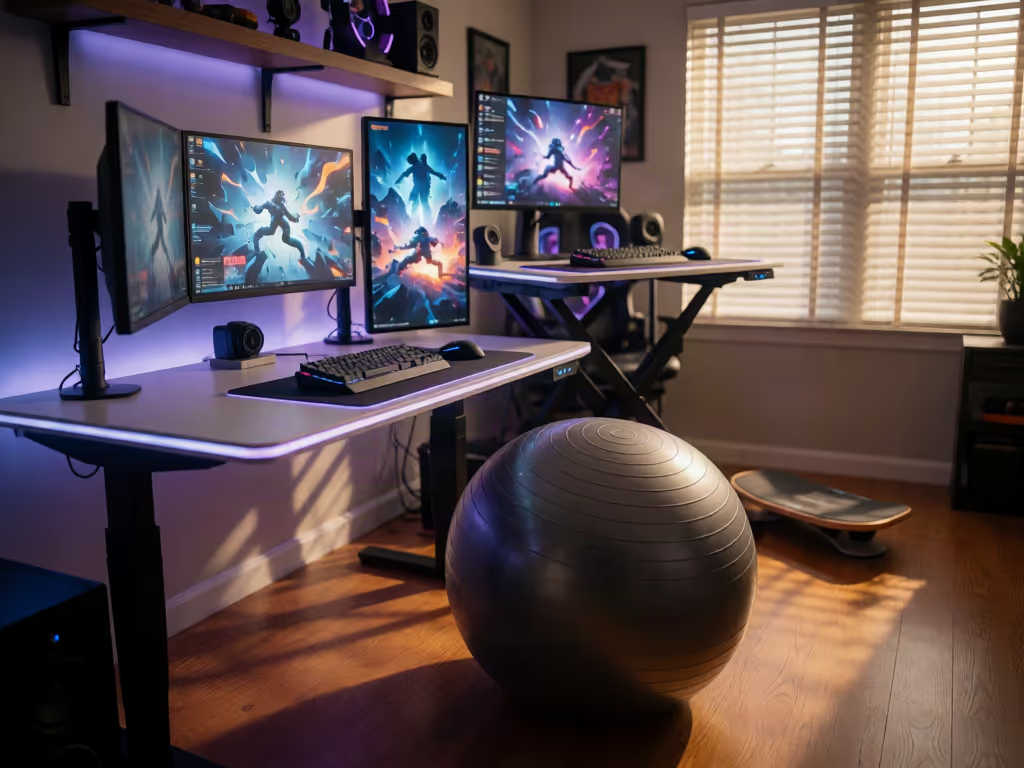
Important: People with an injured back or other health concerns should seek clinical guidance before using active chairs such as kneeling chairs or exercise balls.
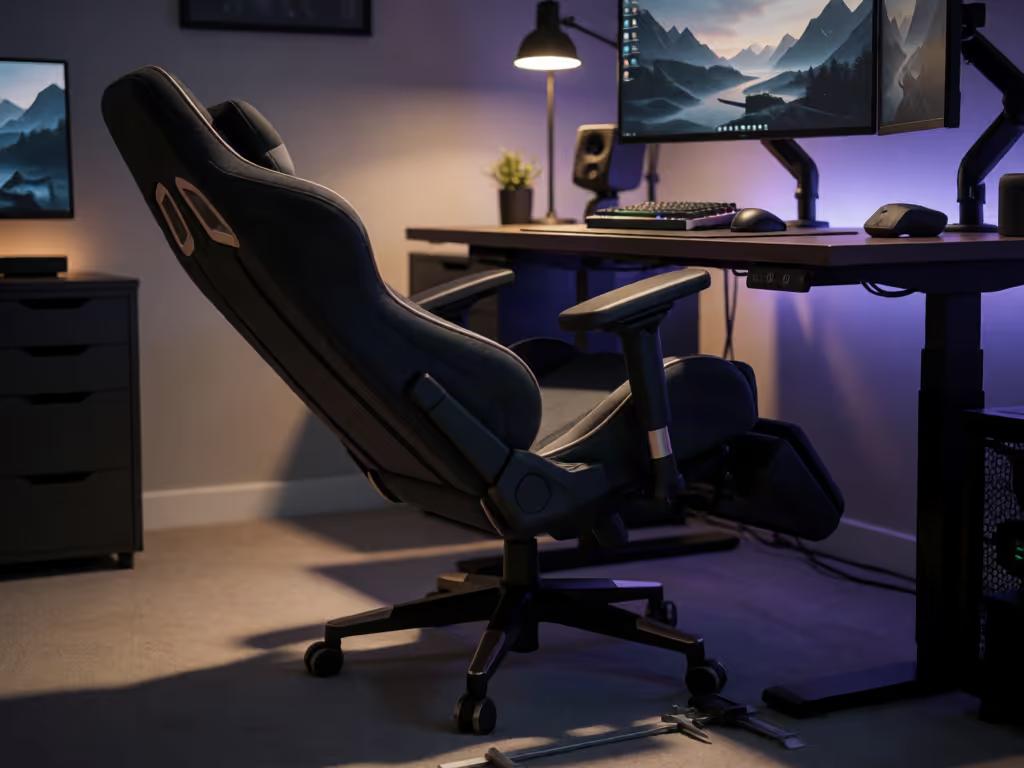
A gaming chair is not the only way to build a better PC or console station. For gamers who feel locked into one posture, find a high-back seat mismatched to their desk, or simply want more movement between matches, active seating can be a useful alternative gaming seating category. The important correction: no collected evidence shows that active stools or saddle seats keep gamers cooler, reduce sweat, or improve gaming performance. Treat "cooler play" as a testing question for your room, clothing, and material, not a promise made by the chair shape.
The more defensible goal is ergonomic variation. A seating setup should let you redistribute load often enough that focus outlasts the session, while still giving you a stable, supported position when precision matters. Pressure maps don't lie; your body writes the spec sheet.
What does active sitting mean for gamers?
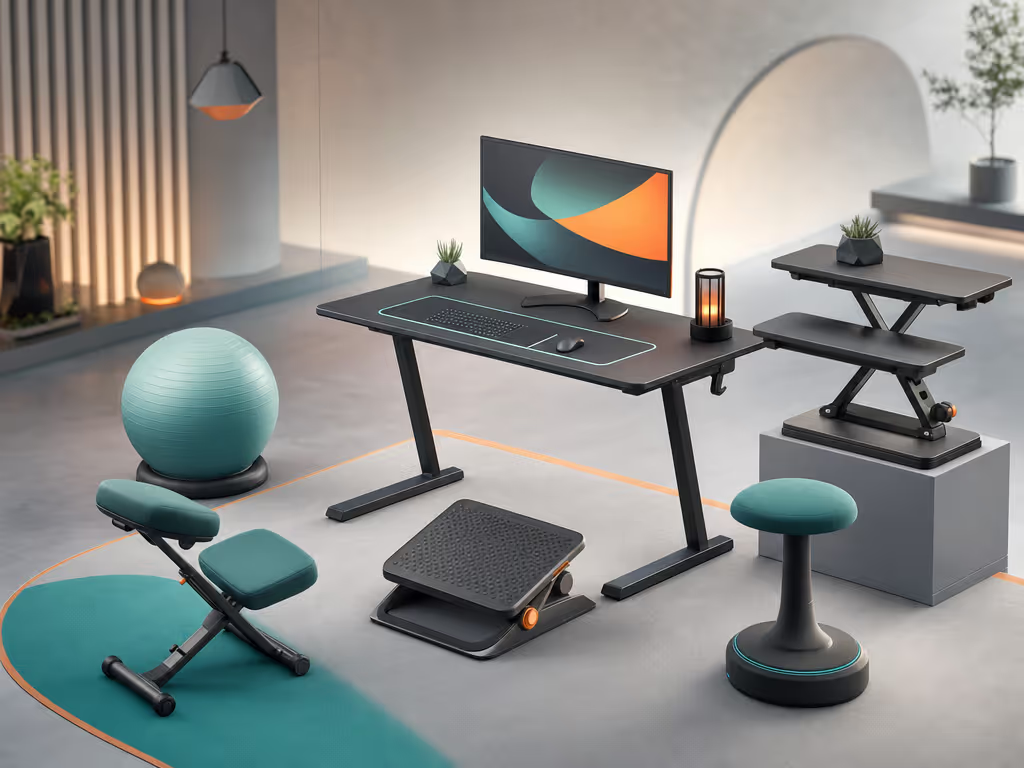
Active sitting for gamers means using a seat that permits or invites frequent, small position changes rather than holding you in one fixed pose. That can include:
- A saddle-style chair or stool used in a perch-style setup. If your workstation creates OSHA's declined sitting posture, the buttocks are higher than the knees and the thigh-to-torso angle is greater than 90 degrees.
- The Varier Move, a backless tilting stool with a rounded base that permits wobble in multiple directions and a flat section for fully upright use.
- A conventional adjustable chair, used dynamically through seat, backrest, and posture changes.
- A sit-stand desk arrangement that makes standing intervals practical.
The key variable is not whether the chair has a "gaming" label. It is whether your workstation supports a sequence of workable positions without losing keyboard, mouse, controller, or monitor access.
OSHA's workstation guidance is especially useful here: staying in any posture for prolonged periods is not the target. It recommends frequent position changes, small chair or backrest adjustments, stretching, periodic walking, and performing some tasks while standing.
A useful definition: movement is not instability
An active seat should allow controlled repositioning. It should not force you to brace constantly, chase your balance while aiming, or leave your feet unsupported. If movement makes your inputs less consistent, the seat is being used at the wrong time, wrong height, or wrong task.
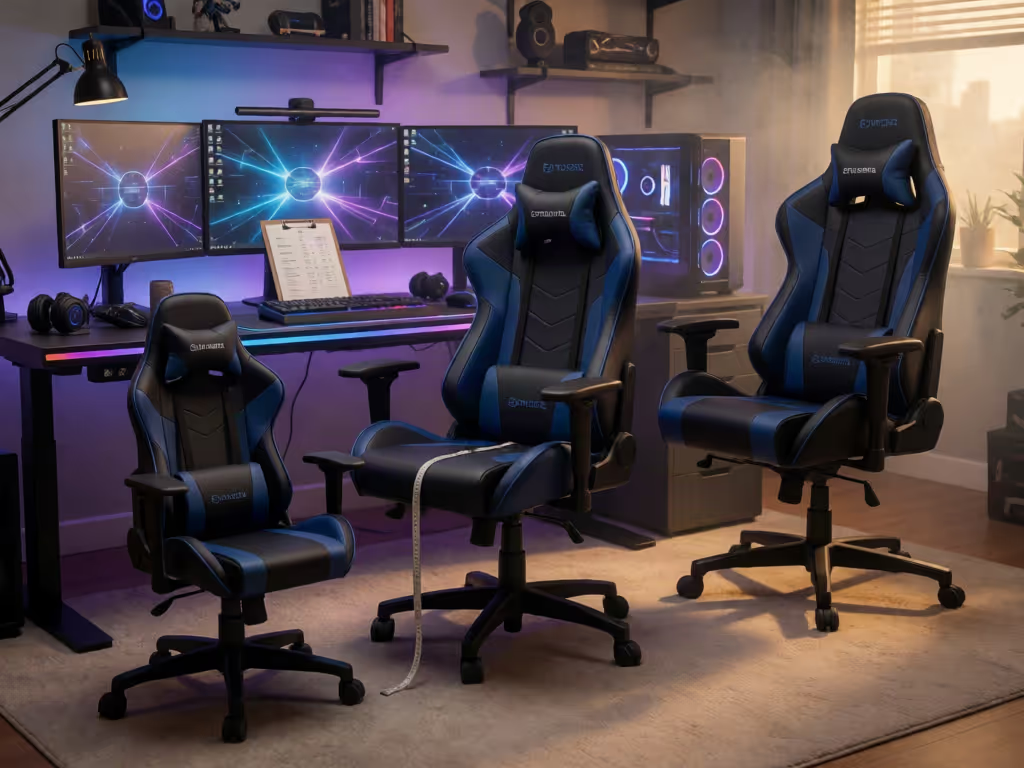
Visual style is a poor substitute for fit. Check seat depth, foot support, reach, and monitor access together, then use the setup long enough to notice whether any pressure area or awkward reach repeats.
Can a saddle chair replace a gaming PC chair?
It can be a position in your rotation (not automatically your all-day replacement)
A perch setup can be arranged in OSHA's declined sitting reference posture, with the buttocks above the knees and the thigh-to-torso angle beyond 90 degrees. This posture should still allow easy keyboard reach and monitor viewing.
That makes a perch setup relevant when you repeatedly move between seated and near-standing work. But a backless option has a clear trade-off: when you are sitting vertically or slightly reclined, OSHA says the back should be fully supported with appropriate lumbar support. A backless stool cannot provide that support in those postures.
Use that distinction operationally:
- Perch or saddle block: writing, browsing, queue time, casual building, short matches, or tasks where you naturally change position.
- Supported chair block: concentrated aiming, controller sessions, longer relaxed play, or any period when you want to sit upright or slightly reclined with your back supported.
This is more reliable desk chair ergonomics than trying to declare one posture (or one chair) the winner for every game genre.
Does research prove saddle seats work for gaming?
No. A systematic review found moderate evidence of lower ergonomic risk with saddle seats in the narrow population studied: 150 second-year dental students doing laboratory activities. Only two studies met the review's criteria. That is useful context for why saddle seating is worth evaluating, but it does not establish the same result for streaming, esports, controller play, or home desks.
The same restraint applies to claims about discomfort, concentration, reaction time, or long-session endurance. Your best decision tool is a controlled trial in your own setup, not a generic promise.
Will active sitting keep you cooler during long sessions?
No reliable conclusion is available from the evidence here. There are no collected measurements comparing airflow, surface temperature, heat retention, or sweating for active seating alternatives during gaming.
That does not mean thermal comfort is unimportant. It means you should measure it instead of assuming that a saddle profile, stool, mesh-like appearance, or a more open posture produces a cooler result.
Run a simple thermal-and-pressure trial
Keep the test variables constant:
- Session length: 90–120 minutes per seating condition.
- Room: record temperature in C and F.
- Clothing: use the same shorts or trousers and same shirt each run.
- Task: repeat a comparable game mode, aim trainer, work block, or controller session.
- Desk setup: do not alter monitor, keyboard, or controller position between trials.
At 0, 30, 60, and 90 minutes, log three things: perceived warmth, any concentrated pressure area, and the number of times you voluntarily changed position. A simple 0-10 scale is enough if you apply it consistently.
Do not confuse a chair that feels novel for 20 minutes with one that remains workable after 90.
If the rear thighs, hips, or tailbone become the repeated limiting area, document the location precisely. If you have access to pressure mapping, annotate hotspots and compare their size and intensity across conditions. If you do not, a brief written log still exposes patterns that a five-minute showroom sit misses.
How should I set up an active seat for mouse, keyboard, or controller play?
Start with the desk, not the seat. For a more complete chair and monitor adjustment guide, check every part of the workstation together rather than adjusting the seat in isolation. A chair cannot correct a reach distance or monitor height that forces you to lean, shrug, or crane forward.
Use this four-point setup check
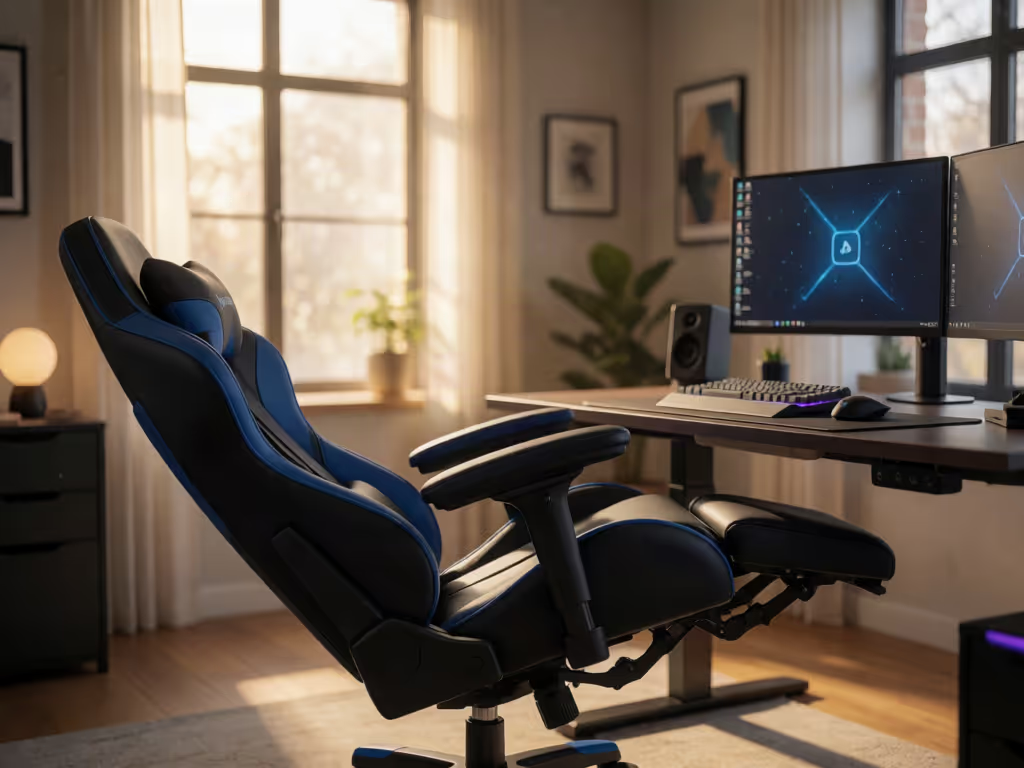
- Support the feet first. Feet should be fully supported by the floor or a gaming chair footrest. This is non-negotiable when a higher perch or saddle position leaves your feet dangling.
- Set input height next. Keep shoulders relaxed, upper arms near your sides, and elbows close to the body. OSHA places elbows in a 90-120° range for computer work.
- Validate monitor access. Your head should be level, forward-facing, and balanced rather than tipped toward the display. Do not create a forward head position merely to preserve a preferred chair height.
- Choose the posture for the task. For a stable seated block, use back support if you are vertical or slightly reclined. For a declined or perch block, confirm that keyboard reach and monitor viewing remain easy.
Is the 90-90-90 rule the best posture for gaming?
Not as a universal rule. "90-90-90" is a memorable shorthand, but it can become another fixed pose to endure. OSHA's guidance supports neutral alignment, feet supported, relaxed shoulders, and elbows between 90 and 120 degrees; it also includes declined and reclined reference postures alongside upright sitting.
For gaming, use the rule as a starting checkpoint, not a posture prison. A feature of a sound setup is that you can shift positions without breaking reach, visual access, or foot support.
Which gamers should be cautious with backless active seating?
Be cautious if you expect the stool to provide the back support you need during upright or slightly reclined sitting (it cannot). Also pause before buying if you cannot create full foot support at your desk height.
People with an injured back or other health concerns should seek clinical guidance before using active chairs such as kneeling chairs or exercise balls, consistent with UCLA Health's general advice. This is not a diagnosis or a claim that active seating is unsafe; it is a sensible boundary when a seating change intersects with an existing health issue.
What is the best chair for gaming for long hours?
There is no evidence-based single winner in this category. For long hours, the strongest principle is rotation: a reliable supported position for focused sitting, frequent movement, periodic standing or walking, and a workstation that keeps your feet, arms, and display in workable alignment.
A backless active stool may be a valuable secondary station position. It is not automatically the best all-day gaming chair: when sitting vertically or slightly reclined, a backless stool cannot provide the full back and lumbar support OSHA recommends. Foot support and frequent position changes should be part of the setup.
Further exploration: build a decision log before you buy
Before replacing your gaming chair, run a one-week seating log. Record session duration, room temperature, position changes, pressure locations, and the task that exposed the problem (competitive mouse aim, relaxed controller play, streaming, or work). Then test whether a simple adjustment to seat depth, foot support, input height, or position rotation addresses it.
That record gives you a specification built around your actual session, not marketing language. It is the most practical starting point for choosing an alternative gaming seating setup that supports movement without sacrificing control.
Related Articles